
Quick Start Guide
NICE1 COLD + COMPRESSION THERAPY SYSTEM
CONSULT A HEALTHCARE PROFESSIONAL BEFORE USING NICE1

- Connect the power cord to the external power supply.
- Plug the circular connector into the back of the Cooling Unit. You will hear a click when properly connected.
- Plug the power cord into the wall outlet.
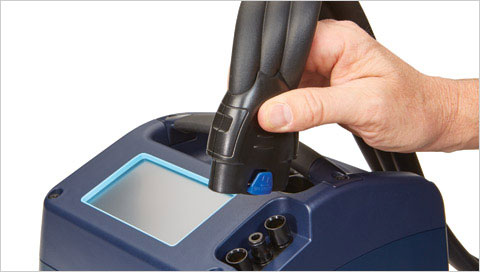
- Connect the hose to the control unit.
- You will hear a click when properly connected.
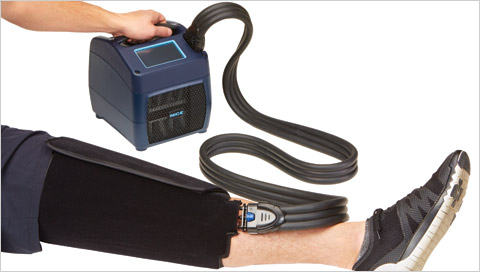
- Place the wrap on the appropriate body part. Secure with Velcro strips.
- Connect the hose to the wrap. You will hear a click when properly connected.

Step 1
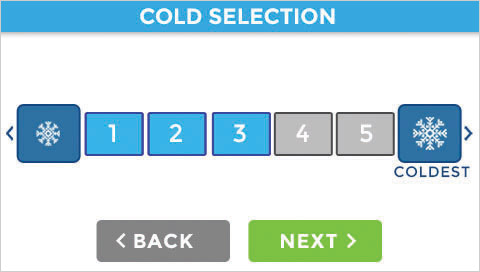
Step 2

Step 3
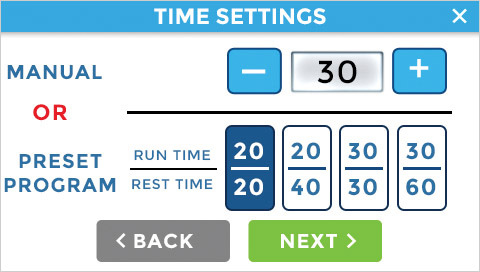
Step 4

Step 5

Step 6
